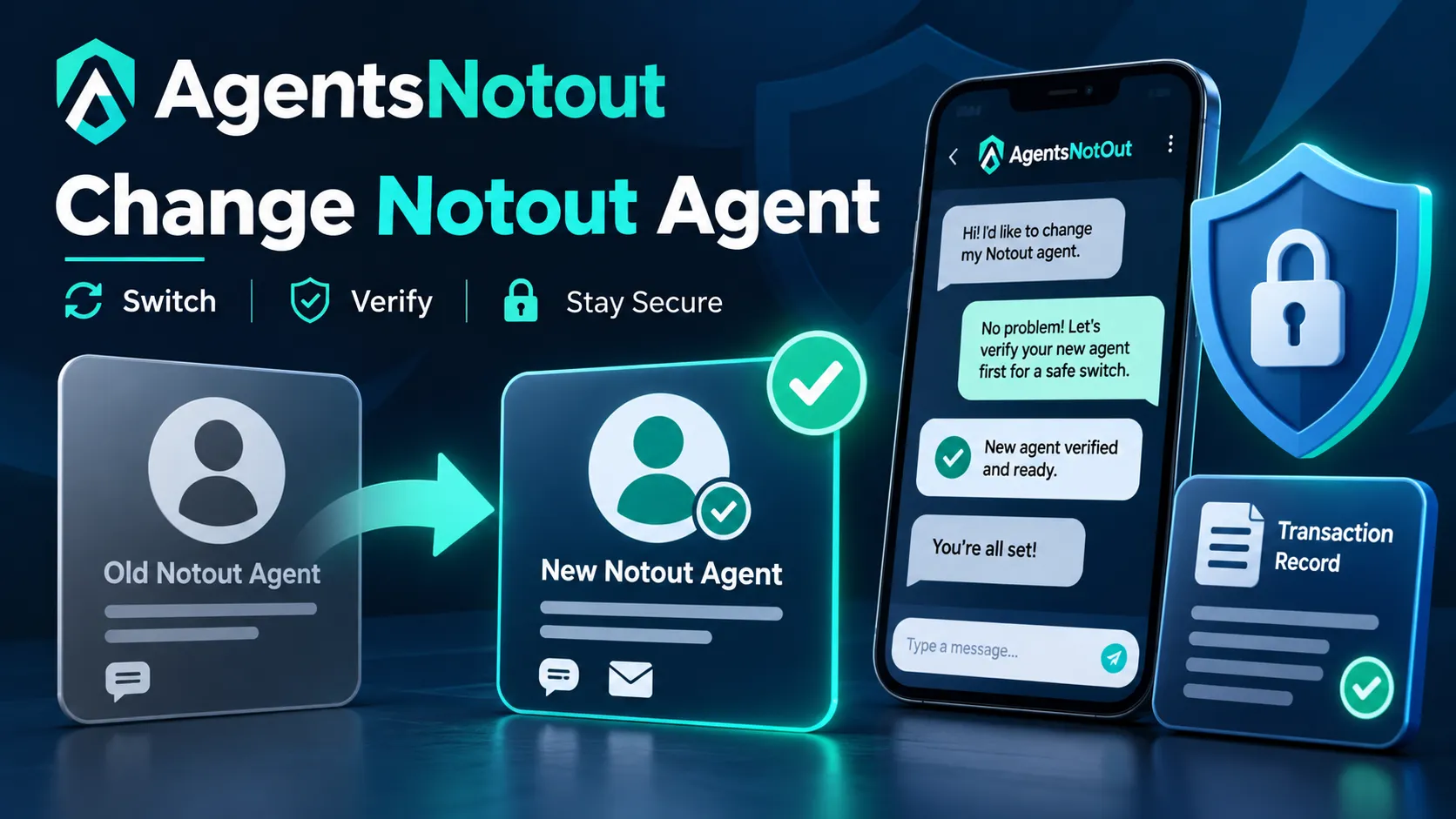
If you want to Change Notout Agent because your current contact is unavailable, communication is poor, payment instructions have changed or you simply need a different support route, do not switch in the middle of an unresolved transaction without documenting what happened first. The safest transition is to close or clearly record existing issues, verify the replacement contact independently and avoid overlapping payment instructions.
The current AgentsNotOut agent-list content already confirms that users may change agents when necessary. This guide focuses on the part that a short FAQ cannot cover: what to do before switching, what information to save and how to avoid moving from one problem to another.
When Does It Make Sense to Change Notout Agent?
You might decide to Change Notout Agent when a contact is no longer active, the published number has changed, repeated support requests remain unanswered or another verified contact is more appropriate for the issue you have.
If the main problem is only a delayed reply, first use the Notout agent not responding guide. A temporary delay does not always require changing the relationship, particularly when a deposit or withdrawal is still being processed.
Check Pending Transactions Before You Switch
Before you Change Notout Agent, check whether any deposit, withdrawal, balance adjustment or complaint is still open with the existing contact. Switching while a payment is unresolved can make it difficult to establish which agent is responsible for following up.
- Save the transaction ID.
- Record the amount and time.
- Save the sender and recipient number.
- Keep relevant screenshots.
- Write down the current status.
- Note the agent name or ID connected to the issue.
If an unresolved problem already exists, consider resolving or formally escalating that problem before moving new transactions to another contact.
Verify the New Agent Independently
Do not Change Notout Agent simply because another WhatsApp account says it can provide faster support. Verify the replacement contact independently through current directory information.
Use the Notout agent verification guide to compare the name, number, agent type and available verification details. The verification process should start from a source you already trust rather than a link sent by the new contact.
Choose the Right Agent Level
Sometimes users try to Change Notout Agent when the real problem is that they are contacting the wrong level of the agent network. Routine account assistance, transaction support and escalations may not all be handled by the same type of contact.
Review the Notout Master Agent List and the site’s agent-type information before choosing a replacement. If the current problem needs escalation, moving sideways to another similar-level contact may not solve it.
Do Not Use Two Payment Instructions at the Same Time
One of the biggest risks when users Change Notout Agent is receiving conflicting payment instructions from two contacts. If the old agent gives one destination and the new agent gives another, do not send money to both while trying to see which one works.
Confirm which contact is current and which transaction belongs to which agent. Never send a second payment simply to “activate” the new relationship or recover an unresolved amount from the old one.
Be Careful With a New WhatsApp Number
If you are asked to Change Notout Agent through an unsolicited WhatsApp message, treat the new number as unverified until it has been independently confirmed. A copied profile photo, brand logo or old conversation detail is not enough proof.
WhatsApp’s own security guidance advises users to be cautious with suspicious messages, unfamiliar links and requests for sensitive information. See the official WhatsApp guidance on suspicious messages when evaluating an unexpected replacement contact.
What Information Can Move to the New Agent?
When you Change Notout Agent, share only the information required for the legitimate support request. An agent may need account-related identifiers or transaction references, but your password, mobile-wallet PIN, OTP and recovery code should remain private.
- Relevant account identifier where appropriate
- Transaction reference for an existing case
- Amount and date of an unresolved transaction
- Previous agent name or ID if needed for escalation
- Short explanation of the issue
Sensitive credentials should not be treated as part of the handover process.
Change Notout Agent or Submit a Complaint?
Changing contacts and reporting a problem solve different needs. If you simply want future support from another verified agent, switching may be enough. If money is unresolved, information does not match or you believe an agent acted improperly, changing contacts does not preserve the complaint by itself.
Use the Notout Complaint Center when there is a documented issue that needs formal review. Save evidence before ending communication with the old contact so the complaint can be assessed from a clear timeline.
What If the Old Agent Is Not Responding?
You can still Change Notout Agent if the old contact remains unavailable, but document every unresolved item first. Do not assume a new agent automatically takes responsibility for old transactions.
If you need help deciding the correct escalation route, use Notout Customer Service and explain the status of the existing issue before beginning another transaction.
A Safe Step-by-Step Switching Process
- Review any pending deposits, withdrawals or complaints.
- Save transaction references and conversation evidence.
- Confirm whether the old contact is still listed.
- Select a replacement from a current published source.
- Verify the new agent’s details independently.
- Clarify which contact will handle future transactions.
- Do not reuse an old payment destination unless it has been reconfirmed.
- Keep the new contact’s verified details for future reference.
This process makes it easier to Change Notout Agent without mixing old and new payment instructions.
Common Mistakes When Changing Agents
- Switching while a payment is still unresolved and keeping no record
- Trusting a new number because it uses the same profile picture
- Sending a test payment before checking the current directory
- Sharing OTP or password during the handover
- Assuming a new agent automatically owns an old complaint
- Deleting the previous chat before the case is finished
Change Notout Agent FAQ
1. Can I Change Notout Agent if I am unhappy with the service?
The current AgentsNotOut agent-list content says users may change agents when necessary. Check pending transactions first and verify the replacement contact before sending money.
2. Should I switch while a withdrawal is pending?
Document the existing withdrawal and clarify who is responsible for it before moving new transactions to another contact.
3. How do I verify the replacement agent?
Compare the new contact’s name, number, ID and agent type with current directory or verification information from a source you independently opened.
4. Does a new agent need my password?
No. Passwords, OTPs, PINs and recovery codes should remain private.
5. What if the old agent caused a payment dispute?
Keep the transaction evidence and consider using the Complaint Center. Changing contacts does not automatically resolve or document the previous dispute.
Final Checklist Before You Change Notout Agent
Before you Change Notout Agent, separate old transactions from future ones, save all relevant records, confirm the replacement contact independently and avoid sending money to multiple destinations. If the old relationship includes a dispute, document or escalate it instead of assuming that switching contacts makes the issue disappear.
18+ only. Betting involves financial risk. Protect sensitive account credentials and use only money you can afford to lose.
আরও পড়ুন
- Notout Master Agent তালিকা – WhatsApp ও Agent ID
- এজেন্ট রিপ্লাই না দিলে কী করবেন
- Notout এজেন্ট যাচাই করার ধাপসমূহ
- Notout এজেন্টের ধরন: Master, Super ও Sub-Admin
Notout নিরাপত্তা গাইড সিরিজ
টাকা পাঠানোর আগে এই গাইডগুলোও দেখে নিন, আর এজেন্টের নাম ও ID মিলিয়ে নিন Notout Master Agent List থেকে।