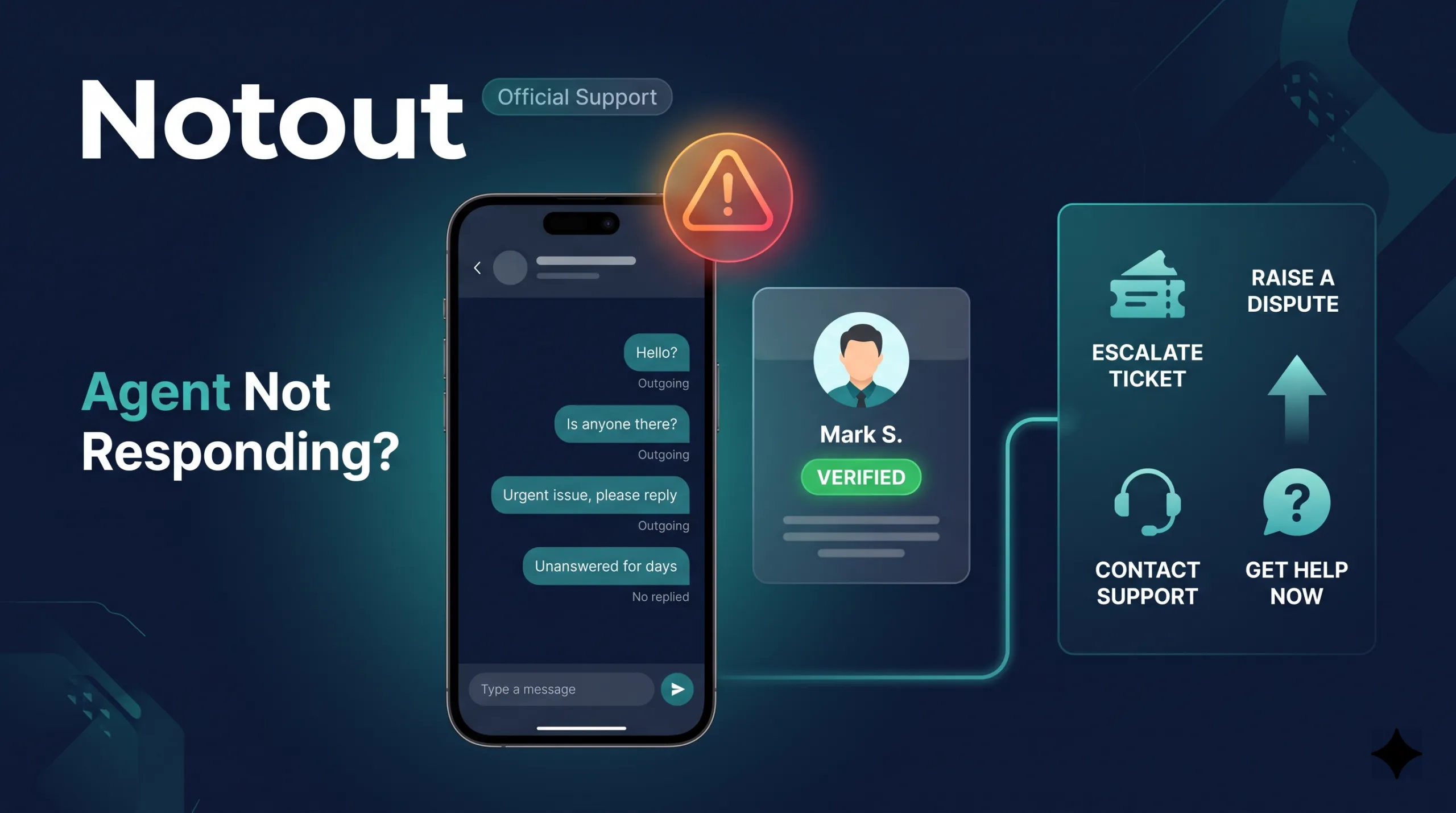
If you are facing a Notout agent not responding issue after an account, deposit, withdrawal, or support request, do not rush to send more money or message random numbers. Start by confirming that you are using the current listed contact, save the details connected to the problem, and then follow the correct support or escalation route.
A delayed reply does not always mean fraud or a failed transaction. The agent may be offline, a number may have changed, or your request may belong with a different support level. This guide explains how to handle a Notout agent not responding situation without exposing your account or payment information.
Notout Agent Not Responding: Start With These Checks
Before escalating a Notout agent not responding case, verify the basics. Many support problems become clearer once the contact, transaction, and agent role are checked carefully.
- Open the current Notout Agent Directory and compare the listed contact with the number you are using.
- Check the agent type. Review the different types of Notout agents to understand whether the issue should be handled by an agent, master agent, or another support level.
- Check the time of your last message and whether the request involves an unresolved payment.
- Do not send a second payment until the first transaction is understood.
- Save the relevant transaction ID, amount, date, recipient number, and screenshots.
Why a Notout Agent May Stop Replying
A Notout agent not responding problem can happen for several reasons. The contact may be temporarily unavailable, the WhatsApp number may no longer be current, the agent may only handle account opening, or a payment dispute may require escalation. A network or device problem can also delay replies.
Do not guess which explanation is correct. Use the Notout agent verification guide to compare the name, contact number, agent type, and available verification details. A familiar profile photo or forwarded screenshot is not enough to verify a replacement number.
If Money Was Already Sent
A Notout agent not responding case becomes more important when a payment has already been sent but the expected balance, withdrawal, or account service has not been completed. Stop making additional transfers and prepare one clean record of the original transaction.
- Transaction ID or mobile-wallet reference
- Exact amount sent
- Date and approximate time
- Sender and recipient number
- Agent name or ID if available
- Payment confirmation screenshot
- Relevant chat screenshot
- Short explanation of the expected result
When contacting Notout Customer Service, send these details together. A clear report is easier to review than many separate messages that repeat the same question. Keep your report factual and avoid including passwords, PINs, OTPs, or recovery codes.
When to Escalate the Issue
If a Notout agent not responding issue continues after you verify the contact, check whether a master-agent or higher-level contact is appropriate. The Master Agent List can help you locate a published contact instead of relying on an unknown number from social media.
Escalation should be factual. Explain who you contacted, when you contacted them, what transaction or account request remains unresolved, and what evidence you have. If a payment is involved, include the transaction reference and recipient number. If the issue is only a delayed general question, give the contact reasonable time before escalating.
Notout Agent Not Responding on WhatsApp
Be cautious if a Notout agent not responding conversation is followed by a message from a different number claiming to be the same agent. Verify the new contact independently before continuing. The fact that a new account knows your name, amount, or previous conversation does not automatically prove that it is legitimate.
WhatsApp advises users to be cautious with suspicious messages, unfamiliar links, and requests for personal or financial information. If an agent contact suddenly changes or sends an unfamiliar link, review the official WhatsApp guidance on suspicious messages and scams and verify the contact independently before continuing.
When Should You Submit a Complaint?
A short delay does not always require a formal complaint. However, a Notout agent not responding problem should be documented when the contact stays unreachable, the listed information does not match, a completed transaction remains unresolved, or you have evidence that a contact may be misleading users.
Use the Notout Complaint Center and provide the records you saved. State the amount, time, contact number, transaction reference, and what you expected to happen. Avoid vague reports such as “my money is gone” because they are harder to review and may omit details needed to identify the transaction.
What Not to Do While Waiting
- Do not send another deposit to unlock the first payment.
- Do not pay an unexpected release, activation, or verification fee without checking current published information.
- Do not share your password, OTP, PIN, or recovery code.
- Do not trust a replacement WhatsApp number before verifying it.
- Do not delete chat messages or transaction records while the issue is unresolved.
These precautions are especially important when a Notout agent not responding case involves account recovery or payment access. Protecting the account is more important than getting an immediate answer.
How to Write a Useful Support Message
A useful support request should be short and complete. Instead of sending repeated messages, summarize the problem in one note: “My payment was sent on [date/time] to [number]. Amount: [amount]. Transaction ID: [ID]. The listed agent has not replied since [time]. Please confirm the next support step.”
This makes a Notout agent not responding report easier to understand because the reviewer does not have to reconstruct the timeline from dozens of screenshots. If there is no payment involved, replace the transaction fields with the account or support issue and the time you first requested help.
How to Prevent the Same Problem Next Time
Before making a transaction, save the agent’s current listing, confirm the recipient information, and understand the support route. Keep transaction references and know where the customer-service and complaint pages are before you need them.
If the Notout agent not responding issue was caused by an outdated contact, update your saved number only after checking the current directory. If you are opening a new account rather than resolving an old one, use the Notout account opening guide and verify the contact before sharing personal details.
Notout Agent Not Responding: Frequently Asked Questions
1. What should I do first if an agent is not replying?
Check the current listing, verify the number, save your transaction information, and avoid sending more money until you know why the contact is unavailable.
2. How long should I wait for an agent reply?
There is no universal response time. A delayed general question is different from an unresolved payment after money has already been sent. The amount of risk and the transaction status matter more than a fixed number of hours.
3. Can I contact another Notout agent?
Yes, but use a currently listed contact and explain that you need escalation or support for an existing issue. Do not send another payment simply because a different person replies faster.
4. Where can I report an unresolved agent issue?
Use customer service first when appropriate, then submit a documented complaint if the issue remains unresolved and you have enough information for review.
5. What should I do if the agent number changed?
Compare the new number with the latest directory or verification information before sending money or account details. Treat an unsolicited replacement contact as unverified until you confirm it through an independent source.
Final Checklist
A Notout agent not responding situation is easier to handle when you verify the contact, keep complete records, and use the correct escalation route. Do not respond to silence by sending more money or sharing more credentials. Confirm the agent, document the transaction, contact the right support level, and submit a complaint when the facts justify it.
18+ only. Betting involves financial risk. Use only money you can afford to lose and never treat betting as guaranteed income.
আরও পড়ুন
- অফিসিয়াল Notout Agent List বাংলাদেশ
- নিরাপদে Notout এজেন্ট পরিবর্তনের নিয়ম
- Notout এজেন্ট যাচাই করার ধাপসমূহ
- Notout লগইন সমস্যার সমাধান